
The whole studio, inside a portfolio builder.
Write with AI, design on a live canvas, publish in a click, and see who’s looking. No code, no plugins, no waiting on a developer.


Every tool you need, none you don’t.
Click, type, drag. Everything below lives inside the same editor, so nothing feels bolted on.
Visual editor with a live canvas
Edit your real site, not a form. Click any text to type on the page, drag sections into order, and see the result on desktop, tablet and phone as you go.
Undo, redo, versions
Experiment freely. Step back with Ctrl+Z, or save a named version and restore it later.
AI writing assistant
Bio, headline, project descriptions, skills, SEO title and meta description. Plus an “improve my text” button, and case studies on Pro.
Fonts that match your voice
One-click pairings, or pick heading and body fonts yourself, even per section.
Galleries, multi-select
Pick many images from your library in one go, or upload a batch. Remove or swap any image with undo.
Links inside any text
Select words, press the link button, done. Edit or remove a link from the little bubble that appears, in headings and paragraphs alike. Looks clean on the live page, like this.
Contact forms that reach you
Messages land in your dashboard inbox and your email. Choose a different recipient per form, right from the editor’s sidebar.
Tables, finally easy
Rates, packages, timelines. Add rows and columns, stripe them, tune borders and alignment.
Multi-page sites
Home, Work, About, Contact, each with its own URL, title and description.
Analytics that read well
Visits, top pages, sources and devices in clean charts, plus a Monday email summary. Basic on Plus, advanced on Pro.
SEO & sharing, handled
Page titles, descriptions, social preview images, structured data and an auto-generated sitemap. You fill in the words, we do the markup.
Media library
All your images in one place. Add alt text for accessibility, reuse across sites, and see how much storage you’ve used.
Your own domain
Show your website at yourname.com instead of a folios.in link. Add two DNS records, press check, and we connect it with free HTTPS. Your old folios.in link forwards visitors automatically. On Pro.
Resume to website
Drop in a PDF or Word resume and get a ready-to-edit portfolio. Try it before you sign up, then create your free account to keep it.
Weekly summary email
Every Monday: views, visitors and enquiries, with top pages and sources on paid plans. One click to unsubscribe.
Switch templates any time
Get the new design exactly as previewed, or keep your own text and images. An undo point is saved first.
Looks right from day one
New sites show sample projects in your draft so the design looks like its preview. They never appear on your live site.
Blog & magazine
Write posts in a simple editor with headings, quotes, links and images. Each post gets a cover, tags and “Keep reading” suggestions, and readers can filter by tag.
Show prices, sell your work
A product grid with prices, sale badges and a Buy button. Point it at your payment page, or let orders reach you on WhatsApp.
WhatsApp & map
A chat button, floating or inline, and an embedded map with directions for studios and shops.
Slider, tabs & collage
Swipeable stories, category tabs and loose editorial photo layouts, with no code.
Guides built in
Step-by-step tutorials with screenshots, a block-by-block guide, and a help link right inside the editor.
Build any layout from building blocks.
Mix and match 37 section types. Each has its own settings, layouts and spacing.
Show work that sells itself
Project grids with covers, summaries and 2–4 columns. Every project can open into a full case study.
- Cover image and short summary
- Choose how many columns
- Write case studies with AI help (Pro)
Galleries without the faff
Select as many images as you like from your library, or drop in a fresh batch. Reorder, replace, remove, and undo any of it.
- Multi-select picker
- Batch upload
- 2, 3 or 4 columns
Say what you do, and what it costs
Service cards and pricing plans with a highlighted “most popular” badge and a button for each plan.
- Features one per line
- Per-plan buttons and links
- Any currency, any period
A contact form that gets you hired
Visitors write to you, you read it in the dashboard inbox and your email. Spam is rate-limited for you.
- Choose where messages go, per form
- Custom heading and button text
- Inbox in your dashboard
Real tables for rates and plans
Add rows and columns, make the first row a header, stripe the rows, choose borders and alignment.
- Header row and striping
- Cell padding and alignment
- Bold first column
| Package | You get | Price |
|---|---|---|
| Starter | 1 session | $250 |
| Studio | Full project | $900 |
Answer questions before they’re asked
A tidy collapsible FAQ that cuts down the back-and-forth before a client emails you.
- Unlimited questions
- Optional intro line
- Keyboard and screen-reader friendly
How long does a project take?
Most take 2 to 4 weeks.
Do you work remotely?
What do you need from me?
A blog that fills itself
Press New post, write, and publish. Your Blog page lists every post automatically, with tag filters for readers.
- Cover image and summary
- Draft or published
- Related posts at the end
A small shop, without a shop plugin
List prints, presets or downloads with prices and badges. Each item has a Buy button you link to a payment page, or orders can go to your WhatsApp.
- Price and sale badge
- Buy button per item
- WhatsApp orders
Start from something beautiful.
105 hand-designed templates for designers, developers, photographers, writers and agencies. Switch any time; your content comes with you.
 GalleryPreview →
 Linen & LightPreview →
 Maison Folio (safe quotes)Preview →
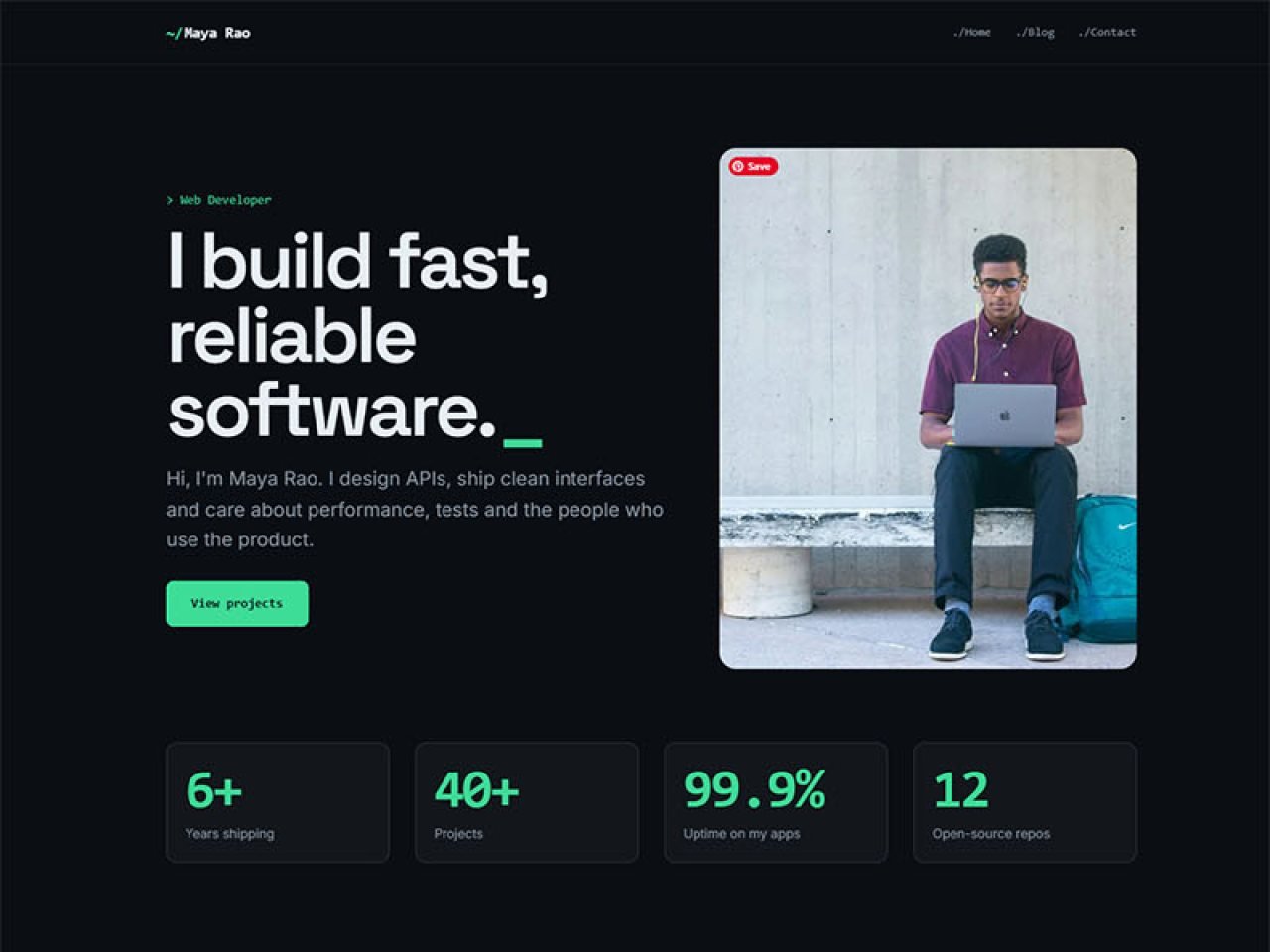 DeveloperPreview →
 BusinessPreview →
 EditorialPreview →
 ArchistePreview →
 Noir PortraiturePreview →
 NightframePreview →
 Noir WallPreview →
 QuillPreview →
 Bloc StudioPreview →
 WildlensPreview →
 Marigold FolioPreview →
 Pop FolioPreview →
 Ekon Creative StudioPreview →
 AtelierPreview →
 Leevi Digital AgencyPreview →
 Atelier · SandPreview →
 MuseumPreview →
 Museum · DuskPreview →
 Contact SheetPreview →
 SparkPreview →
 OrbitPreview →
 SummitPreview →
 SavannaPreview →
 FlowPreview →
 VaultPreview →
 KindredPreview →
 HarborPreview →
 MaisonPreview →
 Paper ResumePreview →
 Maison · NoirPreview →
 StudioPreview →
 BoxedPreview →
 Ivory VowsPreview →
 CanaryPreview →
 NoirPreview →
 Tilia StudioPreview →
 ShowreelPreview →
 Showreel · GoldPreview →
 MusePreview →
 Muse · NoirPreview →
 PenfolioPreview →
 Full Screen StripPreview →
 Index · NightPreview →
 Encore Merch ShopPreview →
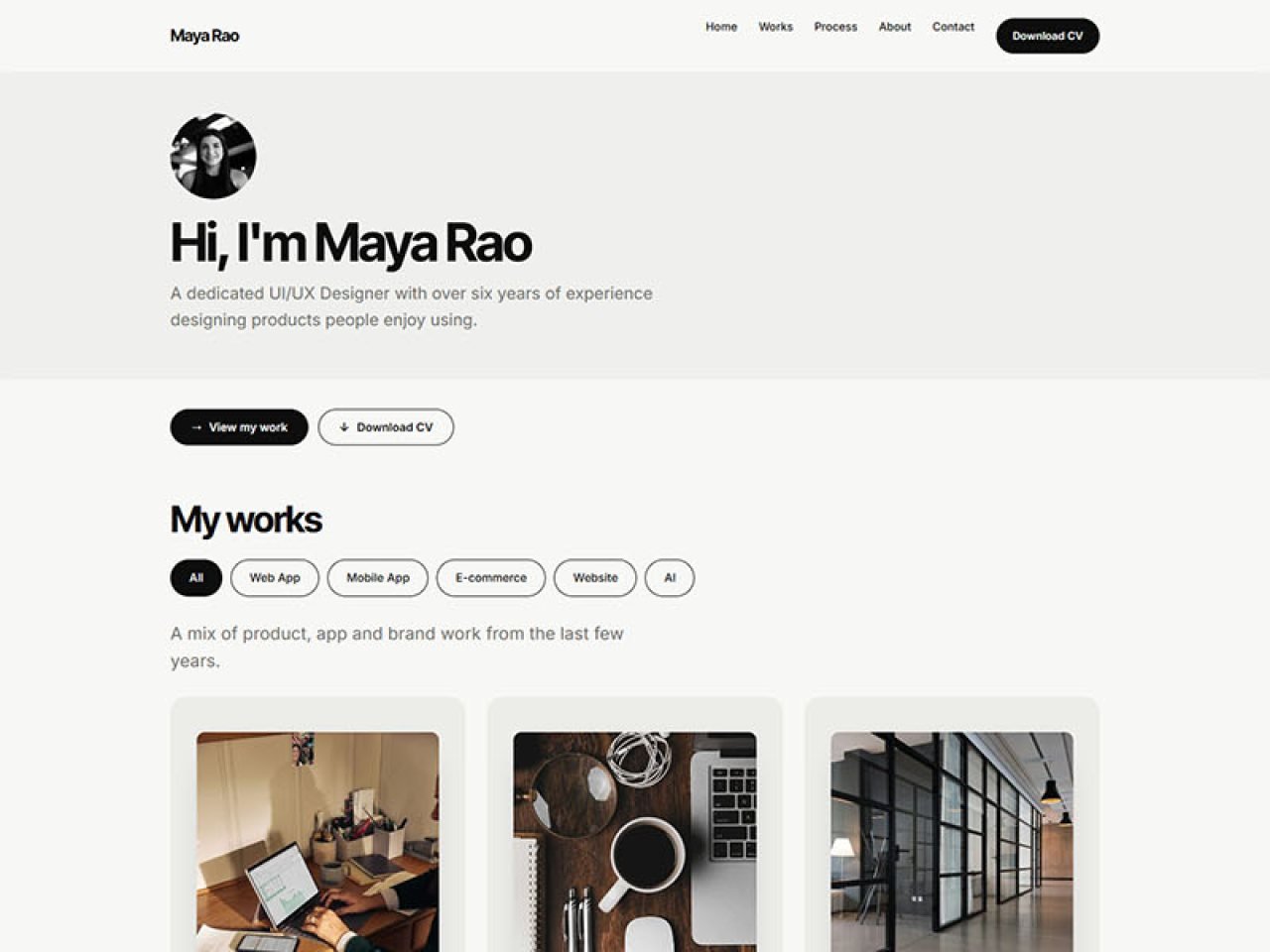 InterfacePreview →
 AmberlightPreview →
 WildframePreview →
 Mirell StudioPreview →
 WanderlogPreview →
 Keystone RealtyPreview →
 IndexPreview →
 Tripline TravelPreview →
 Vivid ExpressionsPreview →
 Frame & LightPreview →
 EastlinePreview →
 AfterdarkPreview →
 Clearcut ResumePreview →
 Executive SearchPreview →
 Index RowsPreview →
 Kiln StudioPreview →
 Bloom ResumePreview →
 BloomPreview →
 Flow MagPreview →
 Maison StudioPreview →
 GridlinePreview →
 LedgerlinePreview →
 CarnivalPreview →
 Wright Colour StudioPreview →
 Cinematic SagaPreview →
 Calm Room StudioPreview →
 Vows and Light PlainPreview →
 Meridian AdvisoryPreview →
 LedgerlinePreview →
 Blush StudioPreview →
 Wanderlight Travel MagazinePreview →
 JournalPreview →
 Atelier FormPreview →
 Full FramePreview →
 Ledger AdvisoryPreview →
 Verdant RésuméPreview →
 Midnight RésuméPreview →
 Stonework StudioPreview →
 Bento FolioPreview →
 Quiet FramesPreview →
 Northbeam AdvisoryPreview →
 Sage & VowsPreview →
 Kinetic StudioPreview →
 Monolith UIPreview →
 Muse EditorialPreview →
 Voltage StudioPreview →
 Zine FolioPreview →
 Sidebar ViewerPreview →
 ReelPreview →
 BoardroomPreview →
 BlacklinePreview →
 Mono GalleryPreview →
 Soft Card RésuméPreview →
 Obsidian StudioPreview →
 MonoslabPreview →
 Sidebar StudioPreview →
 Evergreen CVPreview →
 Duo PanelPreview →
Build it like a design tool, without the learning curve.
Add sections, type on the page, restyle everything and publish, all from one screen. Scroll to see how it works.
Add sections in a click
Open the Sections tab and pick from the library: hero, project grid, gallery, testimonials, pricing, contact form and more. Each one drops into your page ready to edit, and you can reorder or remove them any time.
Edit right on the page
Click any text and type. You see changes exactly as visitors will, and every edit is saved automatically. Made a mistake? Undo and redo are always one click away.
Style it your way
Change the heading and body fonts, pick your accent colour and set the spacing around each section. The whole page updates as you adjust, so you can try a look and keep it or switch back.
Write with AI
Stuck on the words? Ask for a bio, a headline or a project description. Review it, edit it, and keep only what sounds like you. Nothing is saved until you say so.
Check every screen
Flip between desktop, tablet and mobile while you edit. Every template is responsive, so you can see how it adapts before anyone else does.
Publish in a click
Hit Publish and your portfolio is live on your folios.in address, or on your own domain with Pro. Every save is kept in Versions, so you can go back to an earlier one whenever you like.
Live in an afternoon.
Pick a template
Preview any design full-screen before you commit.
Add your work
Type on the page, drop in images, let AI polish the words.
Make it yours
Fonts, colours, spacing and sections, all adjustable.
Publish & share
One click gets you a link at folios.in/s/your-name, or connect your own domain on Pro.
Free to start, room to grow.
The full builder is on every plan. Upgrade for more sites, storage, AI credits and analytics.
| Free | Plus | Pro | |
|---|---|---|---|
| Visual editor, fonts, links, galleries | ✓ | ✓ | ✓ |
| Free templates | ✓ | ✓ | ✓ |
| Premium templates | — | ✓ | ✓ |
| AI writing assistant | Starter credits | More credits | Most credits |
| AI case-study writer | — | — | ✓ |
| Analytics | Preview | Basic | Advanced |
| Remove Folios branding | — | ✓ | ✓ |
| Resume to website | ✓ | ✓ | ✓ |
| Switch templates any time | ✓ | ✓ | ✓ |
| Weekly summary email | Views only | With top pages | With sources |
| Your own domain | — | — | ✓ |
Exact limits live on the pricing page.