Loading preview…
Marigold Folio: UI/UX design portfolio template
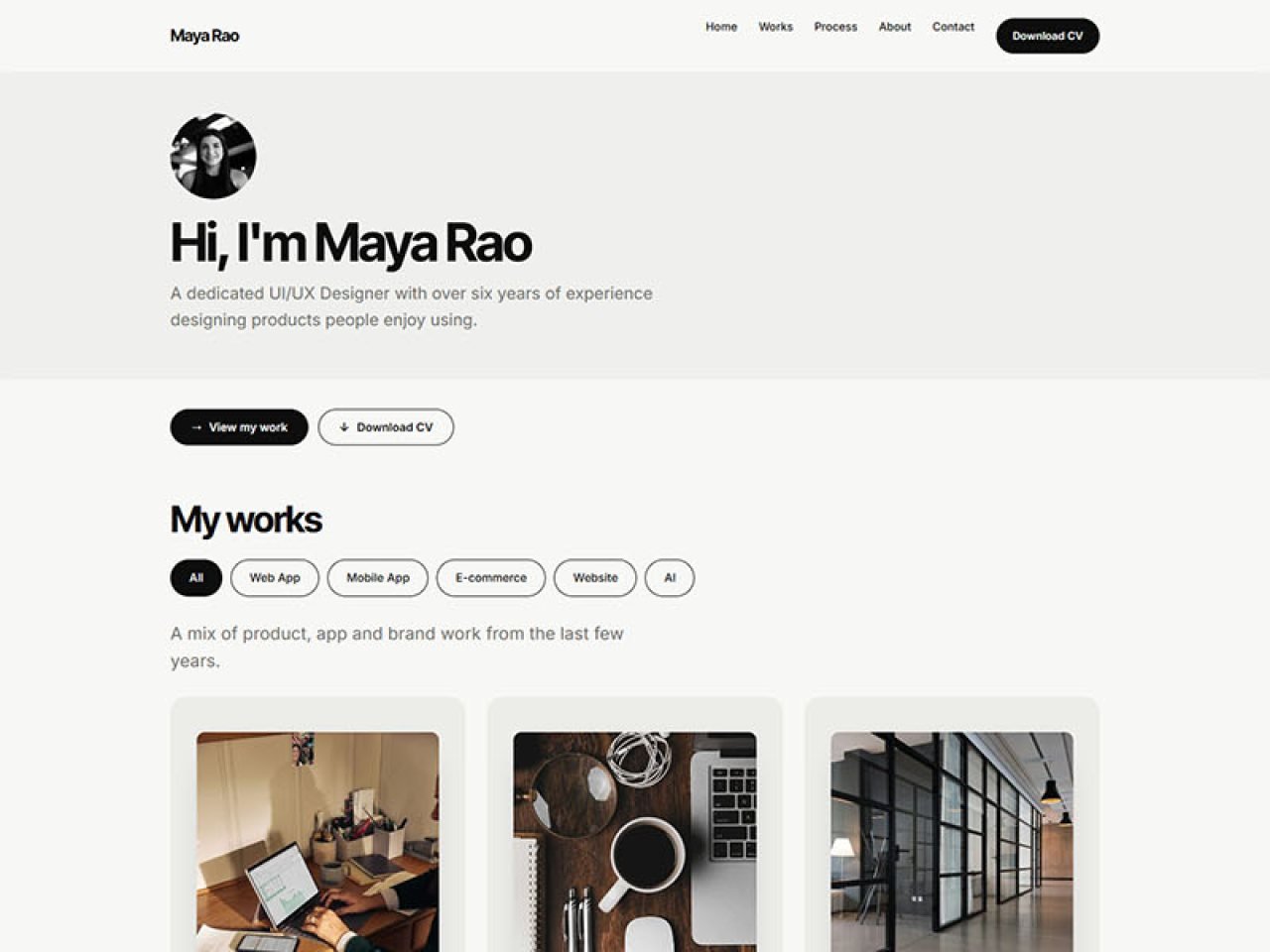
Marigold Folio is a light UI/UX design portfolio template for UI/UX designers, graphic designers, web developers and freelancers. A friendly designer portfolio with a deep maroon hero panel, saffron highlights, skill bars, numbered résumé rows, pricing plans and a bold call-to-action banner.
It pairs Outfit headings with DM Sans body text on a cream background with orange accents and soft, rounded corners. Ready-made sections include hero, highlights, about, skills and education, and you can add, hide or reorder any of them in the editor.
Palette Cream with orange accents
Type Outfit + DM Sans
Look Light, soft, rounded corners
Who it's for
UI/UX designers, graphic designers, web developers and freelancers.
- UI/UX Designer
- Graphic Designer
- Web Developer
- Freelancer
Sections included
- Hero
- Highlights
- About
- Skills
- Education
- Experience
- Services
- Slider
- Video
- Pricing
- Testimonials
- Columns
- Buttons
- Contact form
- Call to action
- Social links
Add, remove, hide and reorder any section in the editor.
On phone and tablet
The layout adapts to tablet and phone screens, with menus and sections that fit smaller widths. You can check each size in the editor and fine-tune individual sections for it.
More templates like Marigold Folio



Questions about this template
Is the Marigold Folio template free?
Marigold Folio is a Plus template. You can preview it here for free; using it on your site needs a Plus or Pro plan.
Can I change the colours, fonts and layout?
Yes. Everything is editable on the page. Change text and images in place, reorder or hide sections, and pick fonts and colours that suit you.
Does it work on phones and tablets?
Yes. The template adapts to tablet and phone screens, and you can check each size in the editor and adjust the layout of individual sections.
Can I switch to a different template later?
Yes. You can apply another template to your site at any time. There is an option to keep your own text and images, and you can undo the change from Versions in the editor.
Make Marigold Folio yours
Start free, swap in your own work and publish in an afternoon.
Start with this template